Invoice number
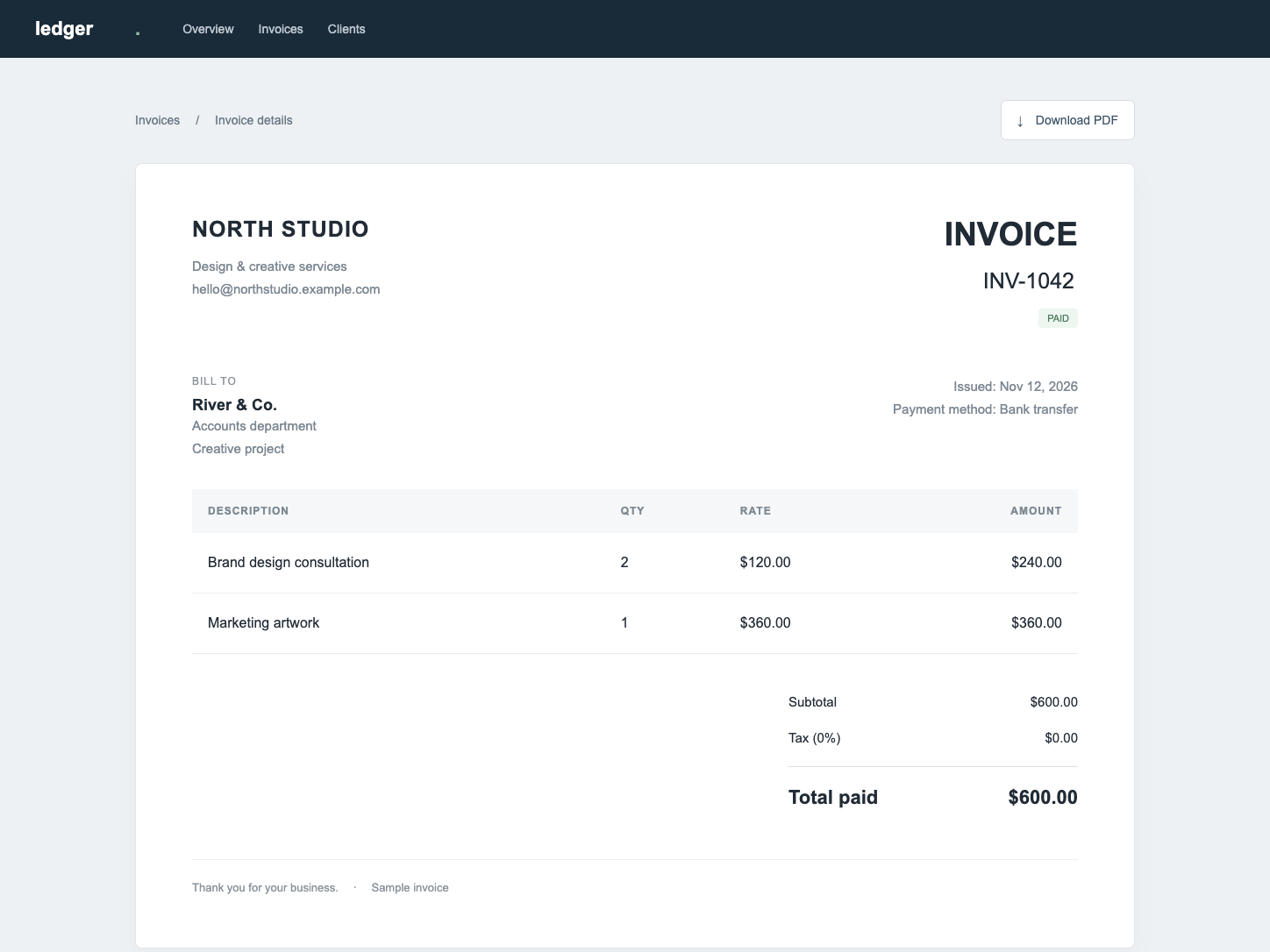
Correct numbers and fields in simple document screenshots.
The right image. Just the wrong words.
Fix a typo, refresh a headline,
or make it yours — without rebuilding the design.
Drop an image here to edit the words inside it.
JPG, PNG, WebP · up to 8 MBScreenshots & flat backgrounds · manual text and style controls
Correct numbers and fields in simple document screenshots.
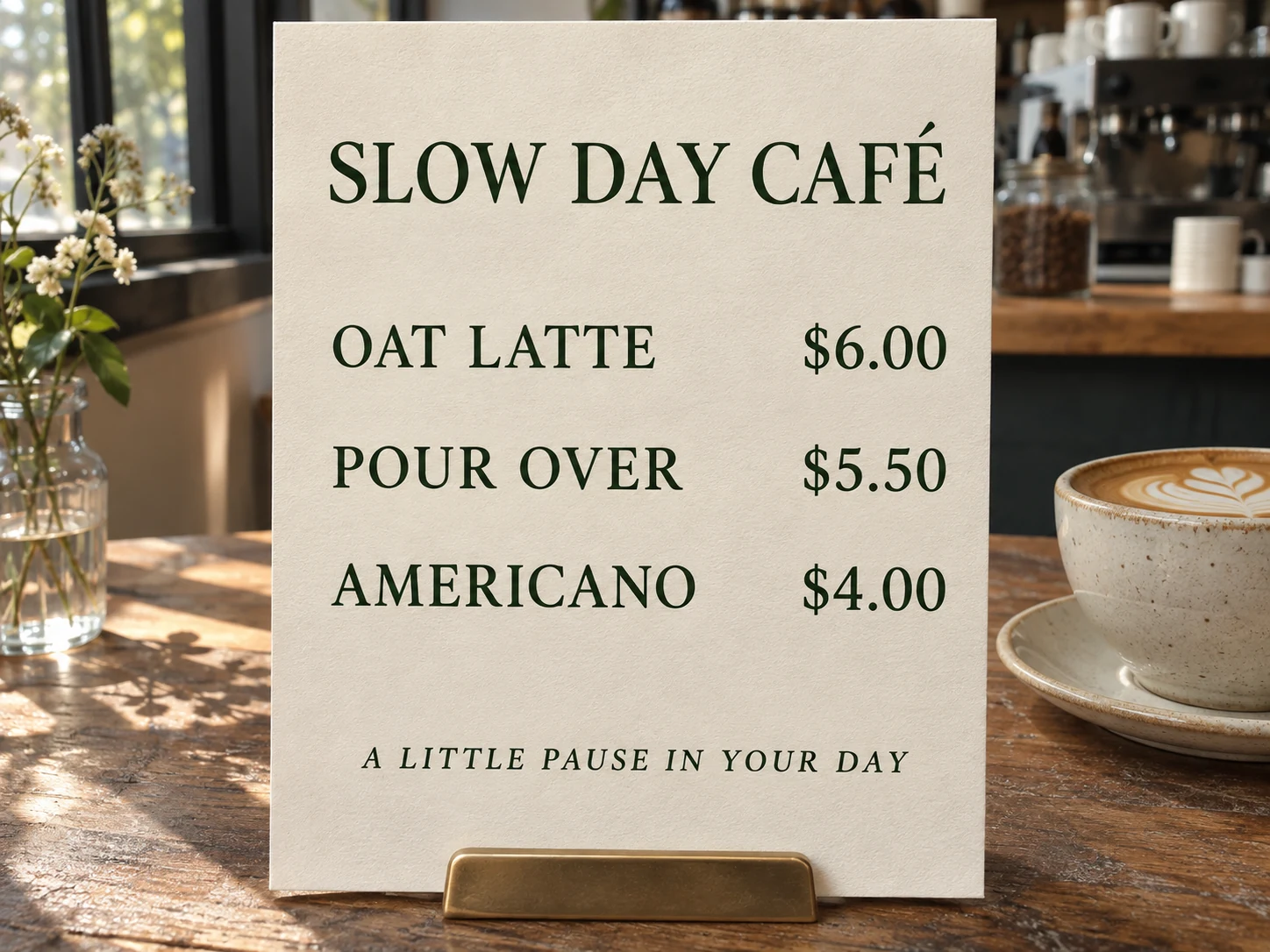
Update prices and wording on simple menu backgrounds.
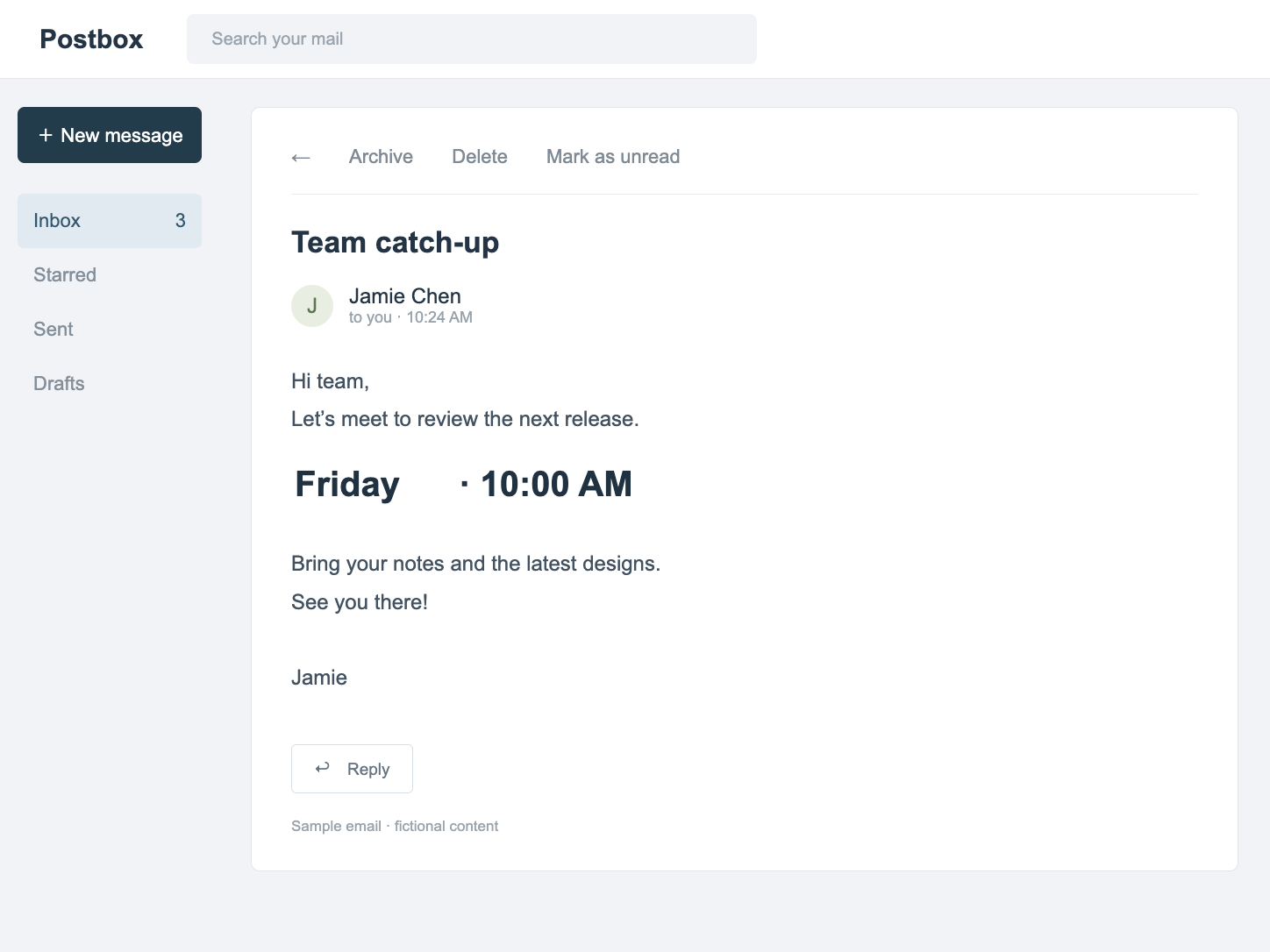
Correct dates and messages in a clean screenshot.
Textures, lighting & styled lettering · AI region redraw
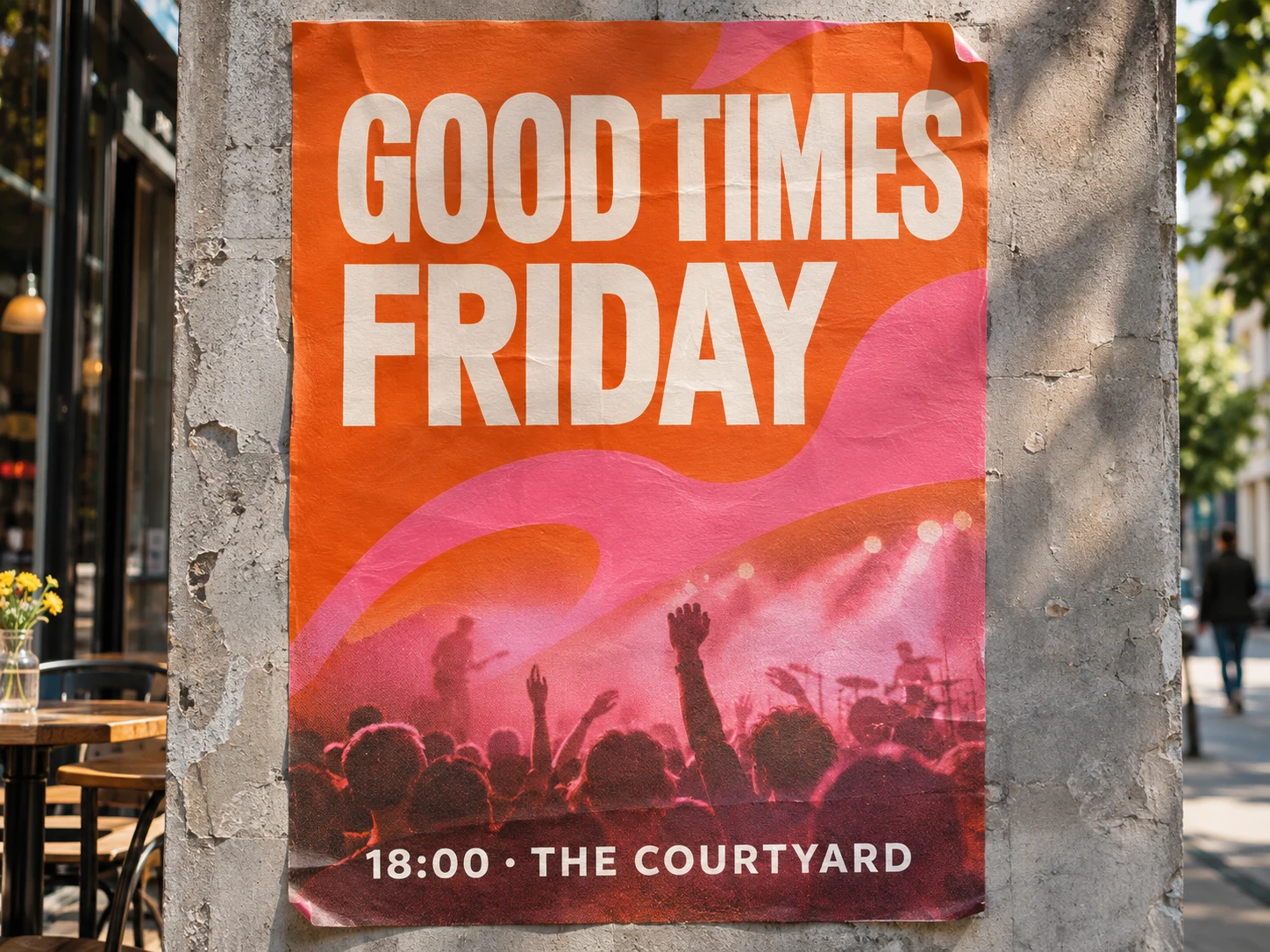
Change a date on a printed poster while matching paper texture and light.
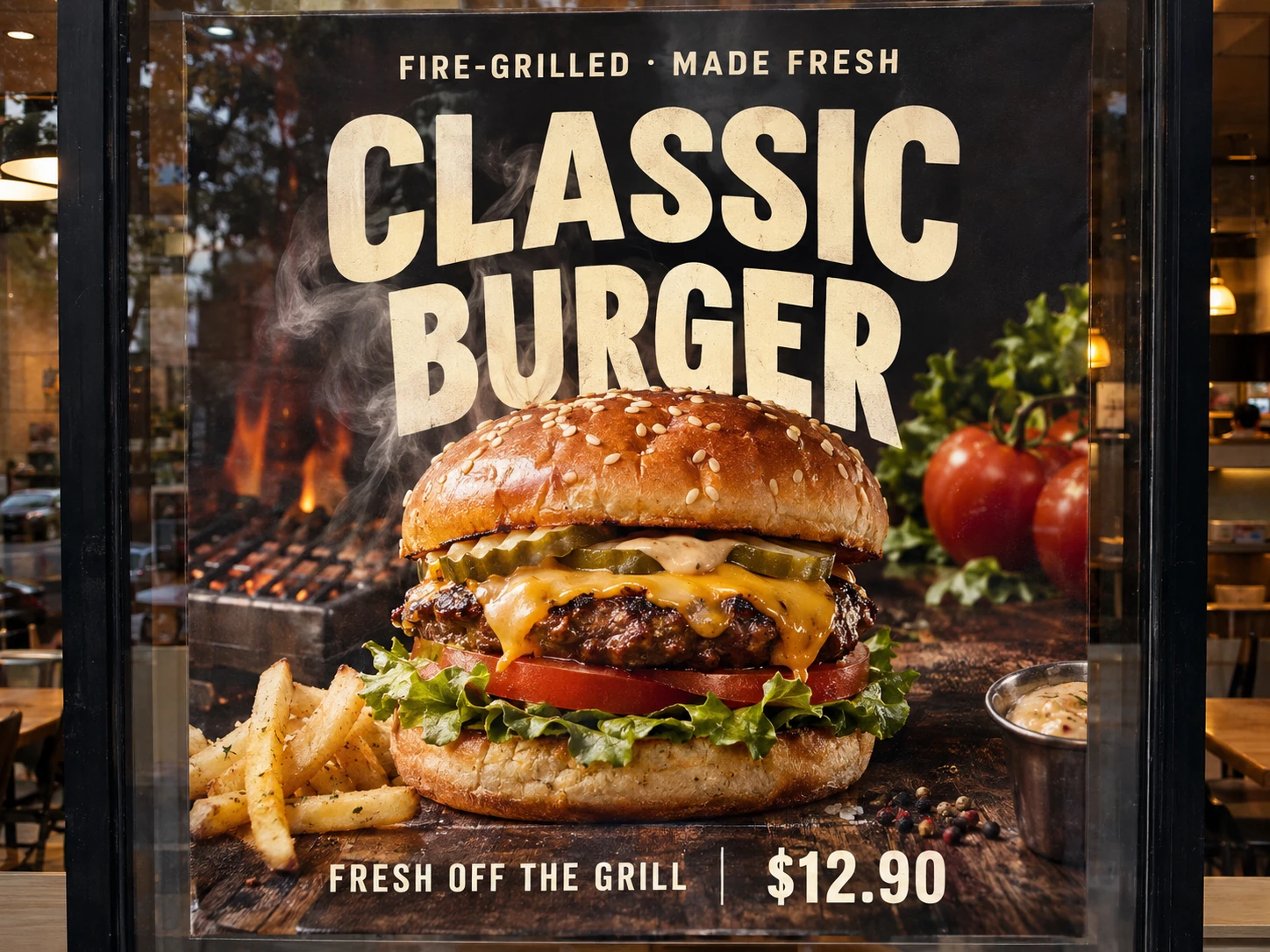
Update promotional lettering within food photography, smoke and reflections.
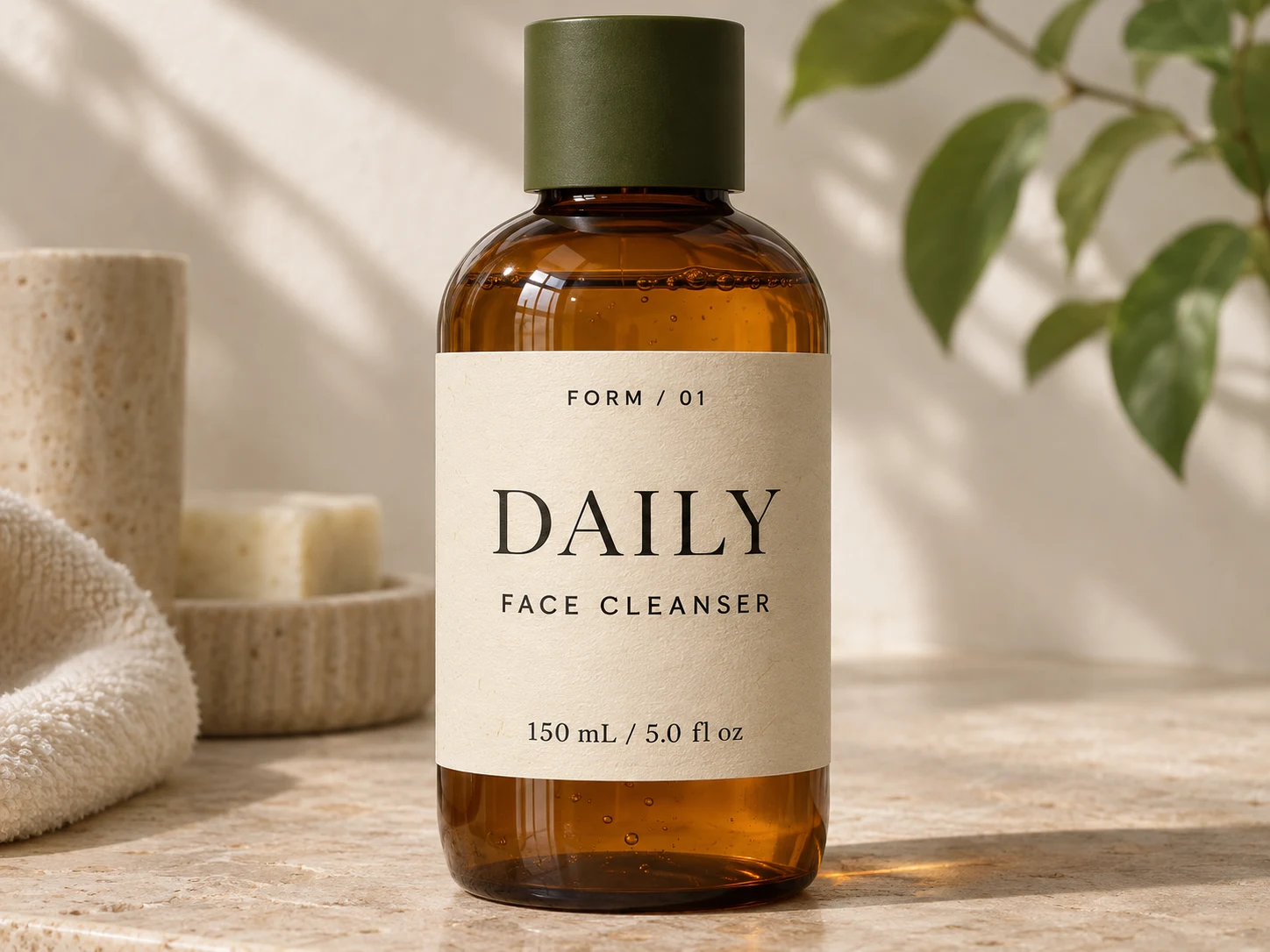
Replace product names and copy on photographed packaging.
Standard examples show actual edits. Pro examples illustrate AI editing; Pro is not available yet.
Choose the right tool for the image in front of you.
No complicated layers. No starting over.
Upload a JPG, PNG or WebP. The editor finds the text so you can focus on the changes.
Click a text box, enter your new copy, and fine-tune its look. Or draw your own region.
Compare with the original, check the details, and download your edited image.
One-time credit packs. No subscriptions.
Launch plan: Standard 5 credits · Pro 10 credits per unlock.
Local previewStandard editing and downloads are currently free. Pro and purchases are not available yet. The plans below describe the proposed launch pricing.
For everyday edits
100 credits
A compact pack for quick changes and occasional edits.
For regular creators
650 credits
More room for campaign updates and creative work.
For larger projects
1,900 credits
A larger balance for product images and team projects.
Edit counts assume one mode is used exclusively, at 5 / 10 credits per result. Unlock billing, payment and automatic failure refunds still need to be connected and verified before launch. Refund policy
Everything you need to get started.
Yes. Standard mode detects English and Simplified Chinese text, covers the original words with a sampled solid color, and renders your replacement. It works best on plain backgrounds. You can adjust the detected text, font and cover color.
OCR estimates the text region and styling, but cannot recover the original font file. You can choose a font and adjust its size. Exact matching is not guaranteed.
Pro sends a crop of your selected region to an image model, then composites the returned image into that crop. It can attempt textured backgrounds and styled lettering. The model connection is pending, so Pro is not available yet.
Standard editing takes place in your browser; your image is not uploaded. When Pro is enabled, the selected crop will be uploaded for processing. Only use images you own or have permission to modify.
You can edit and preview without an account. The launch plan charges credits when you unlock a download. Standard downloads are free in this local preview; Pro and checkout are not connected yet.